

What this work is made with
This page is a list of things, not a story. A tech site depends on more than words—it lives in the machines that shape the work, the hands that use them, and the wear that tells their truth.
Here, we name what Update Desk relies on to turn terminal commands into clear guides and OS quirks into troubleshooting steps.
Update Desk publishes tutorials, news, and reviews about computing—where the terminal whispers and the OS reveals its secrets. What follows is an inventory of the tools that make that possible, from the hardware that hums in the background to the hands that keep it running.
The things that do the work
Four objects keep this site alive. They are not glamorous, but without them, the tutorials would never reach your screen. Here’s what they are, how long they’ve been here, and what they’ve taught us.
The USB hub

A black plastic hub with five ports, plugged into the back of a 2016 Mac Mini. It’s been here since day one, holding a keyboard, a mouse, an external SSD, and two USB drives—one for backups, one for testing.
It’s never been replaced because it still works, even though one of the ports is cracked and the plastic is yellowed from years of dust.
It taught us that reliability isn’t about newness. This hub has survived three moves, two power surges, and at least one accidental coffee spill (the Mini didn’t make it).
Now, we notice how many devices we plug into it before it starts to lag—because we’ve learned to listen to the things that don’t talk.
The mechanical keyboard
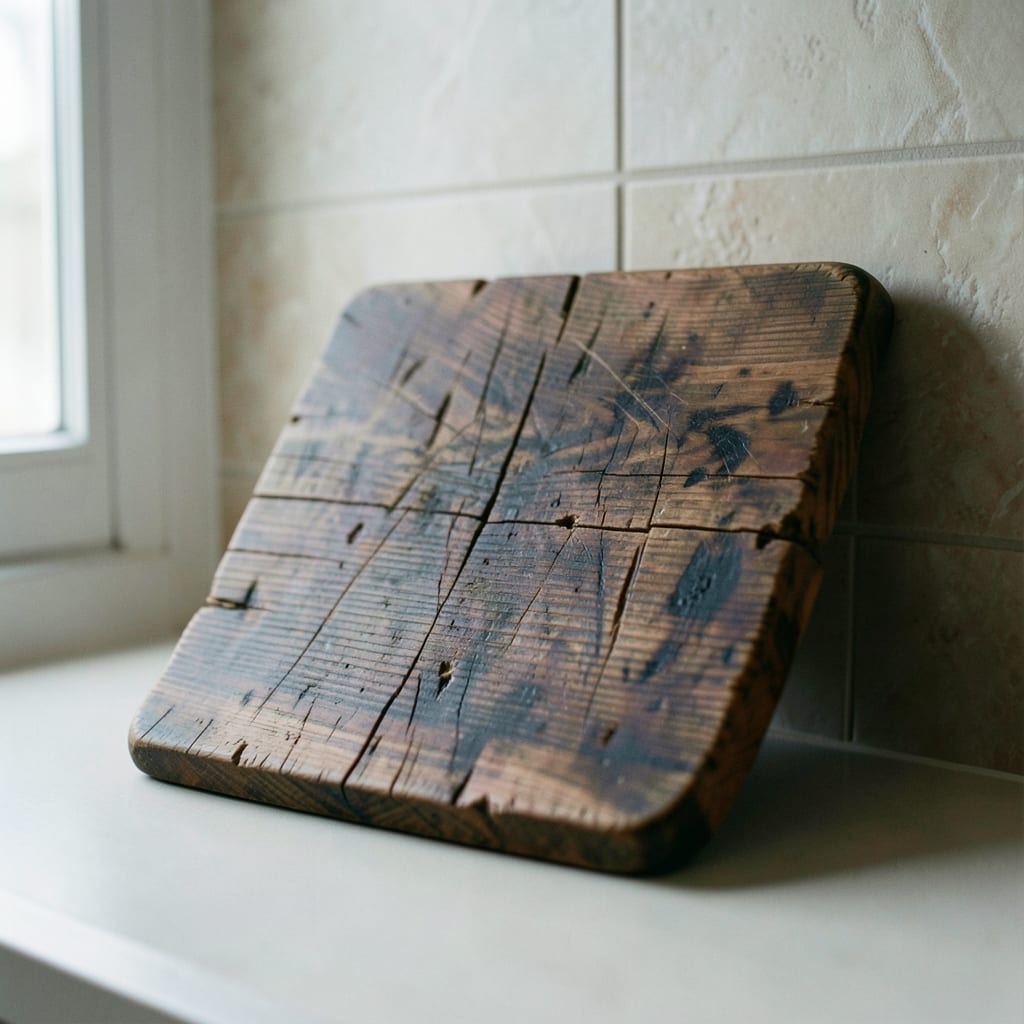
A cherry MX blue switch keyboard, bought secondhand in 2019 for $40. It’s missing two keys on the right side (replaced with tape), and the spacebar sticks if you press too hard. The keys are worn smooth in the corners from years of typing commands, shortcuts, and half-finished sentences.
It forced us to slow down. The tactile feedback of the switches made every keystroke deliberate—no more rushing through code snippets or tutorials. Now, we notice how other keyboards feel when we use them, and we write about the ones that *don’t* make typing a chore.
The ethernet cable
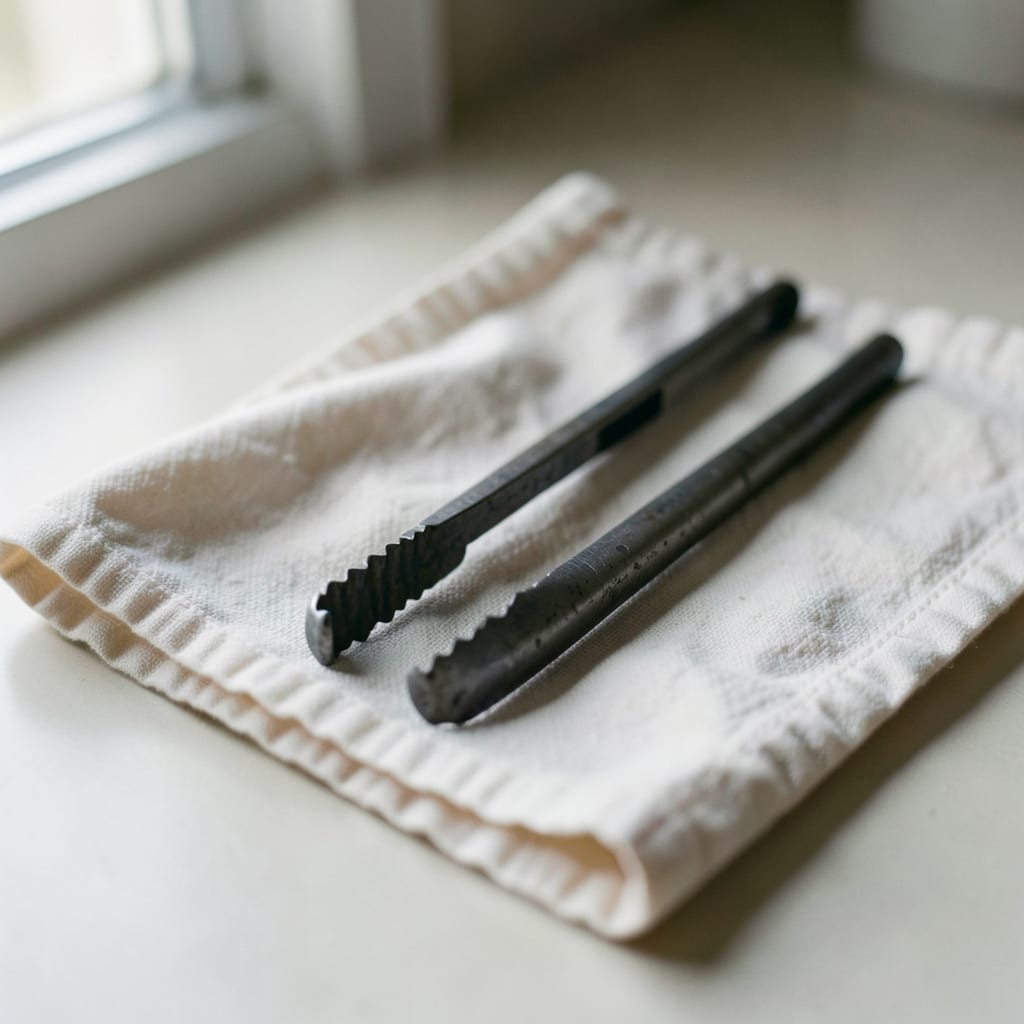
A 10-foot Cat 5e cable, coiled under the desk since 2017. It’s been stepped on, tangled, and unplugged more times than we can count. The plastic jacket is frayed near the connectors, and the copper inside has oxidized in spots, making some ports slower than others.
It proved that sometimes, the simplest solution is the most stubborn. We tried Wi-Fi 6, mesh networks, and even a powerline adapter before admitting this cable was the most stable connection we had. Now, we write about network troubleshooting with a healthy dose of skepticism toward ‘quick fixes.’
The cooling pad

A $15 silicone cooling pad with four fans, bought in 2020 to keep a laptop from throttling during long video edits. It’s still running, though one fan spins slower than the others and the silicone is stained from years of use.
The wires are duct-taped to the desk because they kept getting caught.
It showed us that even the most disposable tools have a story. This pad was supposed to be temporary, but it’s lasted longer than three laptops combined. Now, we include ‘cheap but effective’ gear in reviews—not because it’s flashy, but because it *works* when nothing else does.
What is not in the drawer
Some things we’ve chosen not to use, even when they were available. These absences are deliberate.
Deliberately absent
- A dedicated server or cloud hosting with auto-scaling—we run on shared hosting because most readers don’t need (or want) the complexity.
- A ‘tech stack’ that changes every six months—this site is built on tools that last, even if they’re not the newest.
- Affiliate links in tutorials—every tool we recommend is one we’ve actually used, not one that pays us for a mention.
- A ‘subscribe wall’ or paywall—if you can’t read it for free, it’s not worth writing.
Behind the scenes

I am Priya Ibarra, Founder & Editor. I’m the one who types the first draft of every tutorial, the one who gets woken up at 3 AM by a kernel panic, and the one who still flinches when a hard drive makes a noise it shouldn’t.
I came to this from a clunky desktop my dad built in the early 2000s—spare parts, no warranty, and a monitor that flickered if you looked at it wrong. He let me take it apart and put it back together (badly) until I figured out how the pieces fit.
That’s how I learned: by breaking things, then asking why they broke.
This work has given me a permanent crick in my neck from looking at screens too long, a habit of muttering commands under my breath, and an inability to ignore background noise—like a fan that’s about to fail, or a CPU that’s running too hot.
Now, I notice those things everywhere, even when I’m not working.
I’m here to make tech less confusing. Not by dumbing it down, but by cutting out the noise—so you can focus on what actually matters. If a tutorial feels like it was written by someone who *gets* why your Wi-Fi keeps dropping, that’s because it was.
Why any of this matters to you
These things—the worn-out hub, the sticky keyboard, the frayed cable—aren’t just tools. They’re proof that this site is built by people who actually use the gear they write about. No corporate labs, no sponsored gear, no ‘theoretical’ advice. Just real machines, real problems, and real fixes.
When you read a tutorial here, you’re not getting a polished demo. You’re getting the same steps we’d take if we were sitting at our own desks, with the same tools and the same quirks.
That’s why the terminal commands match what you’ll type, why the troubleshooting steps actually work, and why the reviews skip the marketing fluff.
Every guide here is tested on real hardware, with real bugs and real limitations. If we say ‘this works,’ it’s because we’ve tried it—and if we say ‘this doesn’t,’ it’s because we’ve failed at it first.
The guides are grouped by category: App, Coding, Hardware, Operating System, Outlook and PowerPoint.