
Operating System
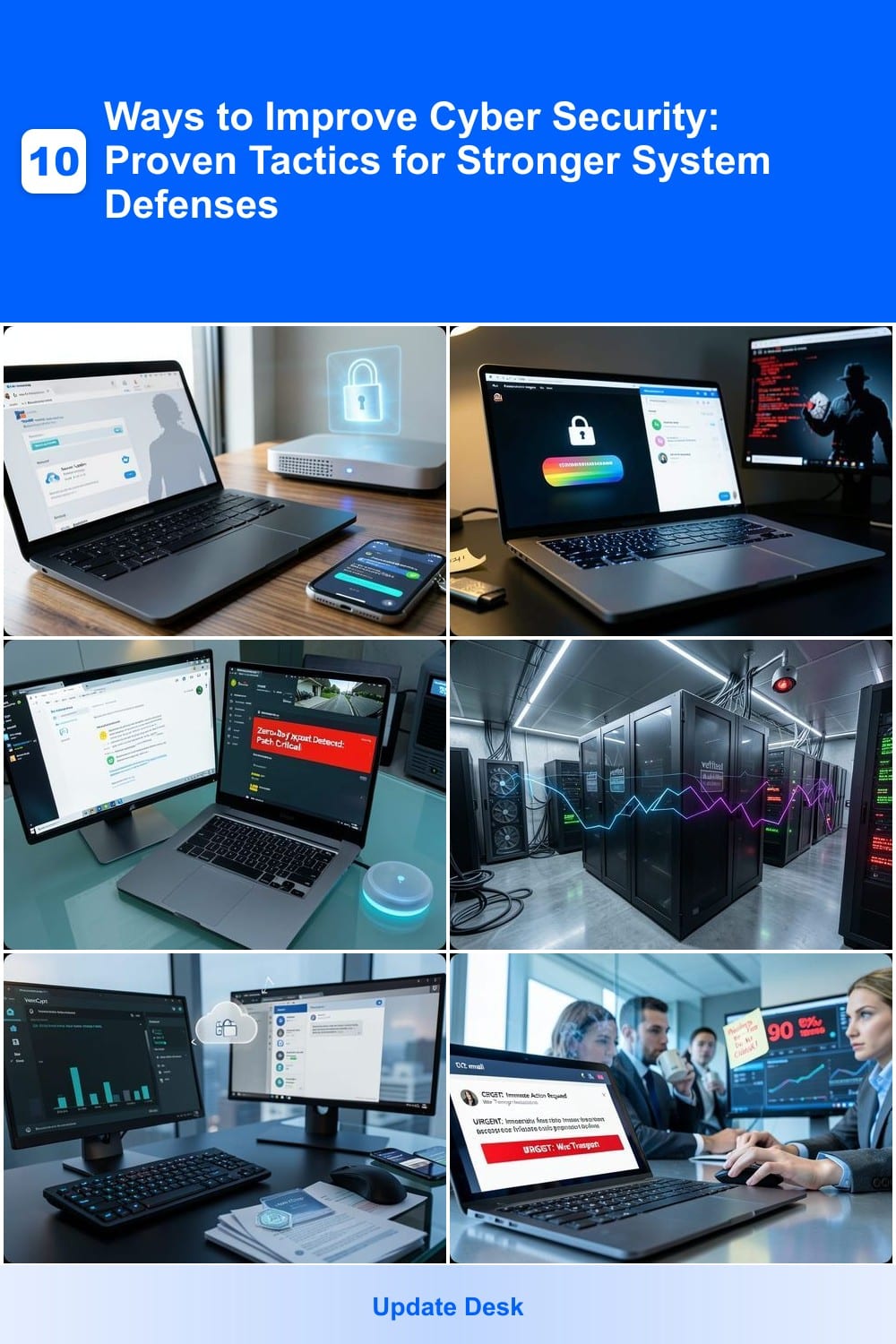
Cyber threats evolve daily, but these 10 proven cybersecurity tactics will fortify your digital defenses—whether you're a home user or managing a business network. Implement these strategies to minimize vulnerabilities and safeguard sensitive data effectively.
Enable Multi-Factor Authentication Everywhere
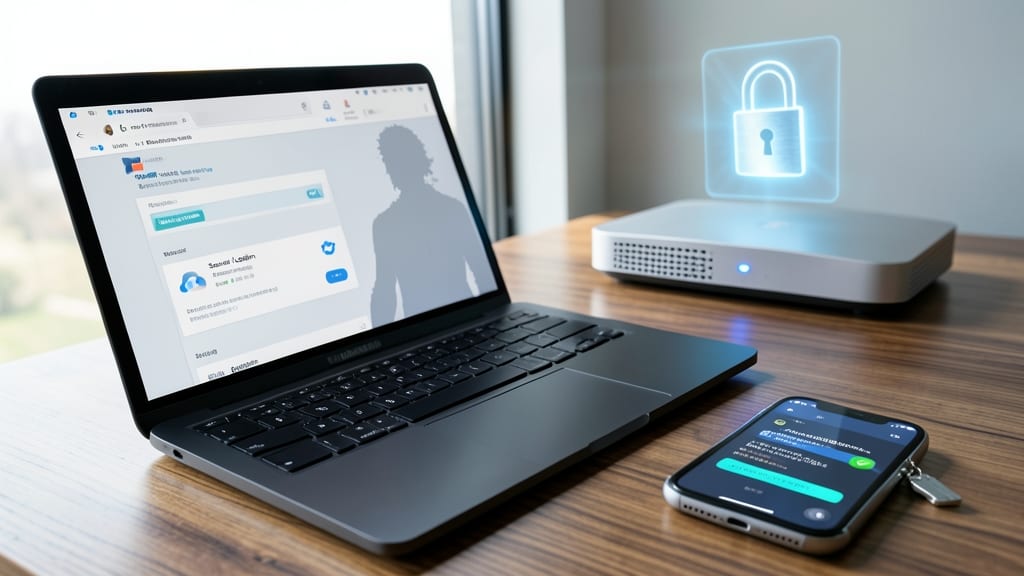
Your email, bank accounts, and cloud services are prime targets for hackers—yet most breaches start with stolen passwords. Multi-factor authentication (MFA) slashes account compromise risk by 99.9%, turning a simple password into an impenetrable fortress.
Most platforms now support time-based one-time passwords (TOTP), biometric scans, or hardware keys like YubiKey. Services like Google, Microsoft, and Apple make enabling MFA a one-click process—no tech expertise required. Even free tools like Authy or Bitwarden simplify the setup across all your accounts.
This is the #1 defense for freelancers, remote workers, and small businesses where a single breach could cripple operations. Start with your most critical accounts today—your future self will thank you. ✨
Use Password Managers for Secure Credential Storage
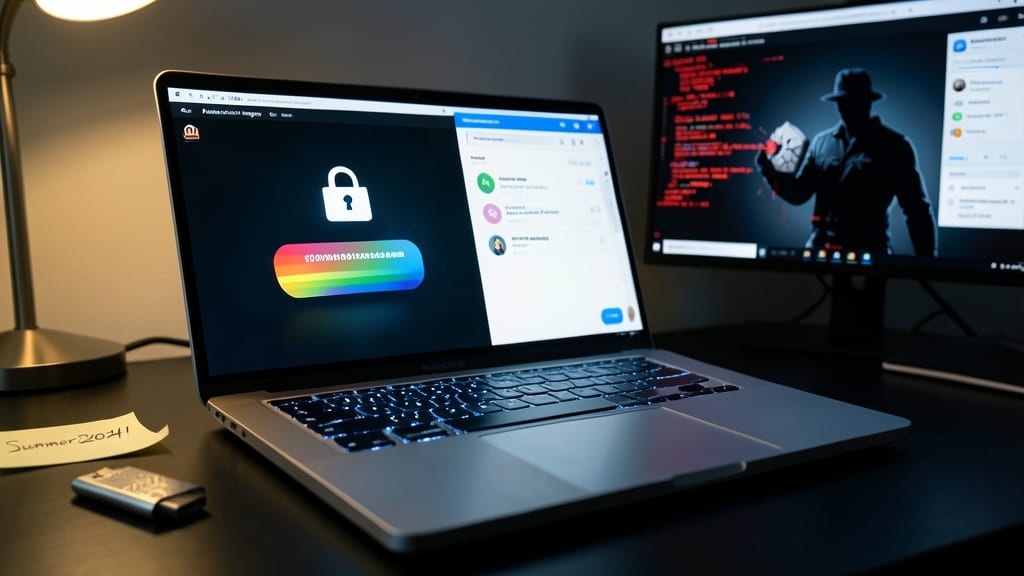
Tired of remembering yet another password? The real risk isn’t forgetting them—it’s using the same weak ones across accounts, which hackers exploit to unlock everything with a single breach. A password manager solves this by storing all your credentials in an encrypted vault, auto-generating 20+ character passwords with symbols and numbers for every new account.
Tools like Bitwarden (free and open-source) or 1Password (user-friendly with travel mode) sync across devices, fill logins automatically, and even monitor the dark web for compromised credentials. With AES-256 encryption, your master password is the only thing you need to remember—no more sticky notes or "Password123" for your bank. Most offer zero-knowledge architecture, meaning not even the company can access your data.
Perfect for anyone juggling multiple accounts—freelancers, remote workers, or families sharing devices—password managers cut breach risks by 80% while saving hours of password resets. Give it a try and sleep easier knowing your logins are locked down. ✨
Regularly Update All Software and Firmware
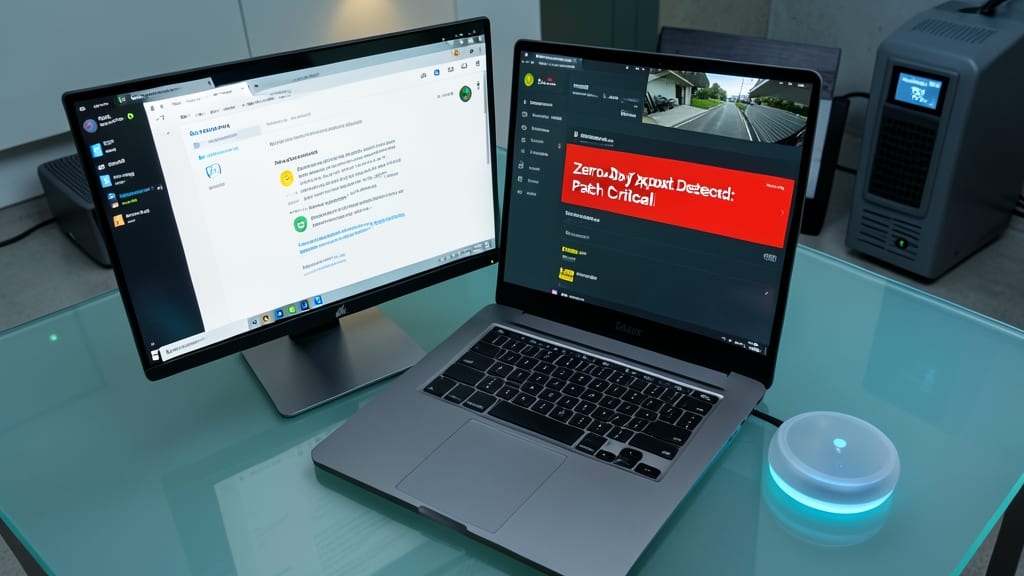
Hackers don’t wait for you to update—zero-day exploits are often weaponized within hours of discovery. The good news? Enabling automatic updates for your OS, apps, and even IoT devices closes security gaps before attackers can exploit them, often with just a few clicks.
Modern operating systems like Windows 10/11 and macOS Ventura now default to automatic security patches, but don’t stop there. Apps (think Chrome, Zoom, or Slack) and smart devices (Routers, security cameras) also receive critical firmware fixes. Tools like Windows Update, Apple’s Software Update, or Linux’s unattended-upgrades can handle this hands-off—just ensure they’re enabled and set to install updates without delay.
This is non-negotiable for anyone handling sensitive data—whether you’re a freelancer with client files or a parent managing a smart home. Set it, forget it, and sleep easier knowing your systems are battle-tested. ⚡
Implement a Zero-Trust Network Architecture

What if your network treated every connection—even from trusted devices—like a potential threat? That’s the core of zero-trust architecture, a model that eliminates the assumption that internal traffic is safe by default.
With zero trust, every access request is authenticated via continuous verification (not just initial logins), micro-segmentation (isolating critical assets), and least-privilege access (granting only necessary permissions). Solutions like Microsoft Azure AD Zero Trust or Cisco Secure Access enforce these rules dynamically, blocking lateral movement if an attacker bypasses perimeter defenses. For smaller setups, tools like Tailscale provide zero-trust networking with minimal configuration.
This approach is ideal for businesses handling sensitive data (like healthcare or finance) or remote teams with mixed device environments. Even home users can adopt simplified zero-trust principles by isolating IoT devices and using VPNs for all traffic. ⚡
Encrypt Sensitive Data at Rest and in Transit
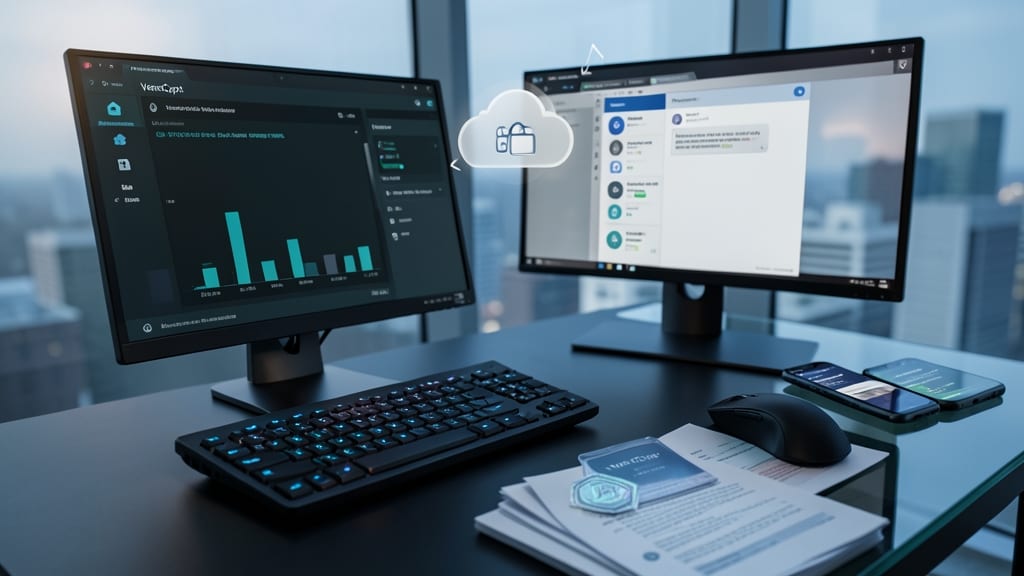
Remote work and cloud storage mean your files and messages could be intercepted unless they’re encrypted. Tools like VeraCrypt (for local drives) or ProtonMail (for emails) add military-grade encryption with minimal effort, ensuring only authorized eyes access your data.
For at-rest encryption, VeraCrypt creates secure containers that auto-lock after inactivity, while AES-256 encryption (used by ProtonMail) scrambles emails so even ISPs can’t read them. Cloud storage like Google Drive’s native encryption or Tresorit add extra layers for shared files, meeting GDPR and HIPAA compliance requirements effortlessly.
This is non-negotiable for freelancers, healthcare providers, or anyone storing client data—it’s the digital equivalent of a deadbolt on your server. ✨
Train Employees with Simulated Phishing Tests

Even the most advanced firewalls and encryption can’t stop the 90% of breaches caused by human error—like clicking a malicious link or falling for a fake "CEO email." Simulated phishing tests turn your team into your strongest defense by exposing vulnerabilities before attackers do.
Platforms like KnowBe4 or PhishMe send realistic, randomized phishing emails quarterly, tracking click rates and teaching staff to spot red flags like urgent language, mismatched sender domains, or suspicious links. Customizable campaigns mimic real-world threats, from BEC (Business Email Compromise) scams to malware-laden attachments, with automated reporting to highlight weak spots.
This isn’t just for corporations—small teams and remote workers benefit too. Tools like GoPhish (open-source) offer zero-config setups, while services like Security Awareness Training provide gamified modules. Start with one test per quarter, then refine based on results. 💡
Deploy Endpoint Detection and Response (EDR)

When traditional antivirus falls short against sophisticated attacks, Endpoint Detection and Response (EDR) steps in as your digital immune system. Unlike basic antivirus, EDR uses AI-driven behavioral analysis to detect and neutralize threats like ransomware, zero-day exploits, and insider threats before they escalate.
Solutions like CrowdStrike Falcon or Microsoft Defender for Endpoint provide real-time monitoring, automated response actions, and detailed forensic reports. They track suspicious activity—such as unauthorized data transfers or unusual process executions—across all endpoints, including laptops, servers, and IoT devices. The best EDR platforms also integrate with your existing security tools for seamless threat intelligence sharing.
This is a game-changer for businesses handling sensitive data, especially those in finance, healthcare, or legal sectors where compliance is critical. For smaller teams, cloud-based EDR offers scalable protection without heavy IT overhead. 💻
Create and Test an Incident Response Plan

When a breach happens, every minute counts—yet many businesses scramble without a plan. A documented incident response plan ensures you act fast, contain threats, and restore operations with minimal fallout, saving both time and money.
Start by defining clear roles (e.g., who handles containment, who communicates with stakeholders) and step-by-step procedures for detecting, isolating, and recovering from incidents. Tools like NIST’s Cybersecurity Framework or ISO 27035 provide templates to structure your plan. Test it quarterly with tabletop exercises—simulated breaches where your team practices responses under pressure.
This isn’t just for enterprises: Small businesses with customer data or remote teams benefit most. A well-tested plan turns chaos into control, ensuring you’re ready when it matters. 💪
Segment Your Network to Limit Lateral Movement
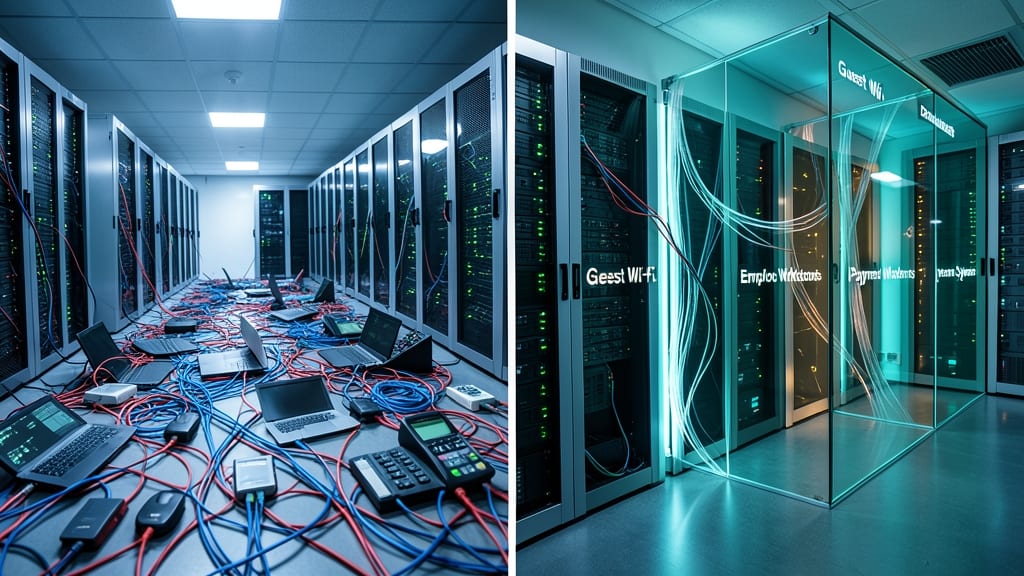
Imagine an attacker breaches your network—without segmentation, they could waltz straight to your servers or databases. Network segmentation acts like a series of firewalls, isolating devices and systems into separate zones (e.g., guest Wi-Fi, employee workstations, payment systems). This way, even if one segment is compromised, the attacker can’t jump freely between systems.
Most routers and firewalls (like Ubiquiti UniFi or pfSense) support VLANs or subnets to create these zones with minimal setup. For example, you could place IoT devices in one segment, HR files in another, and payment terminals in a third—all while enforcing strict access rules. Tools like Cisco’s SD-Access or Microsoft’s Azure Virtual Network automate this for cloud environments, ensuring compliance with standards like PCI DSS or HIPAA.
This is a game-changer for small businesses, healthcare providers, or anyone handling sensitive data. It’s not just for enterprises—even home labs can benefit by separating smart home devices from critical files. 💪
Monitor for Anomalies with SIEM Solutions
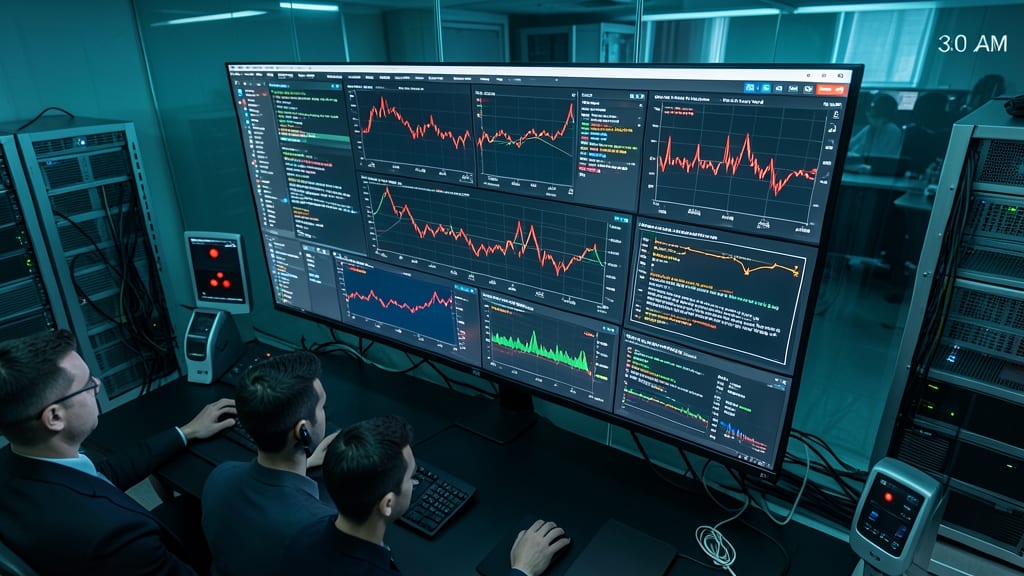
While firewalls and antivirus block known threats, Security Information and Event Management (SIEM) solutions act like cybersecurity detectives—spotting subtle patterns like a sudden spike in failed login attempts or data leaving your network at 3 AM.
Tools like Splunk Enterprise Security or IBM QRadar aggregate logs from across your systems, then use AI-driven correlation rules to flag anomalies in real-time. For example, they’ll alert you if an employee’s usual 9 AM login suddenly shifts to midnight in a different country. Many SIEM platforms also integrate with threat intelligence feeds to prioritize alerts based on current attack trends.
This level of monitoring is overkill for home users but a game-changer for businesses handling sensitive data. Even small teams can start with cloud-based SIEMs like Microsoft Sentinel, which scales from zero to enterprise. 💡